01 — Library
Organised by what things are for
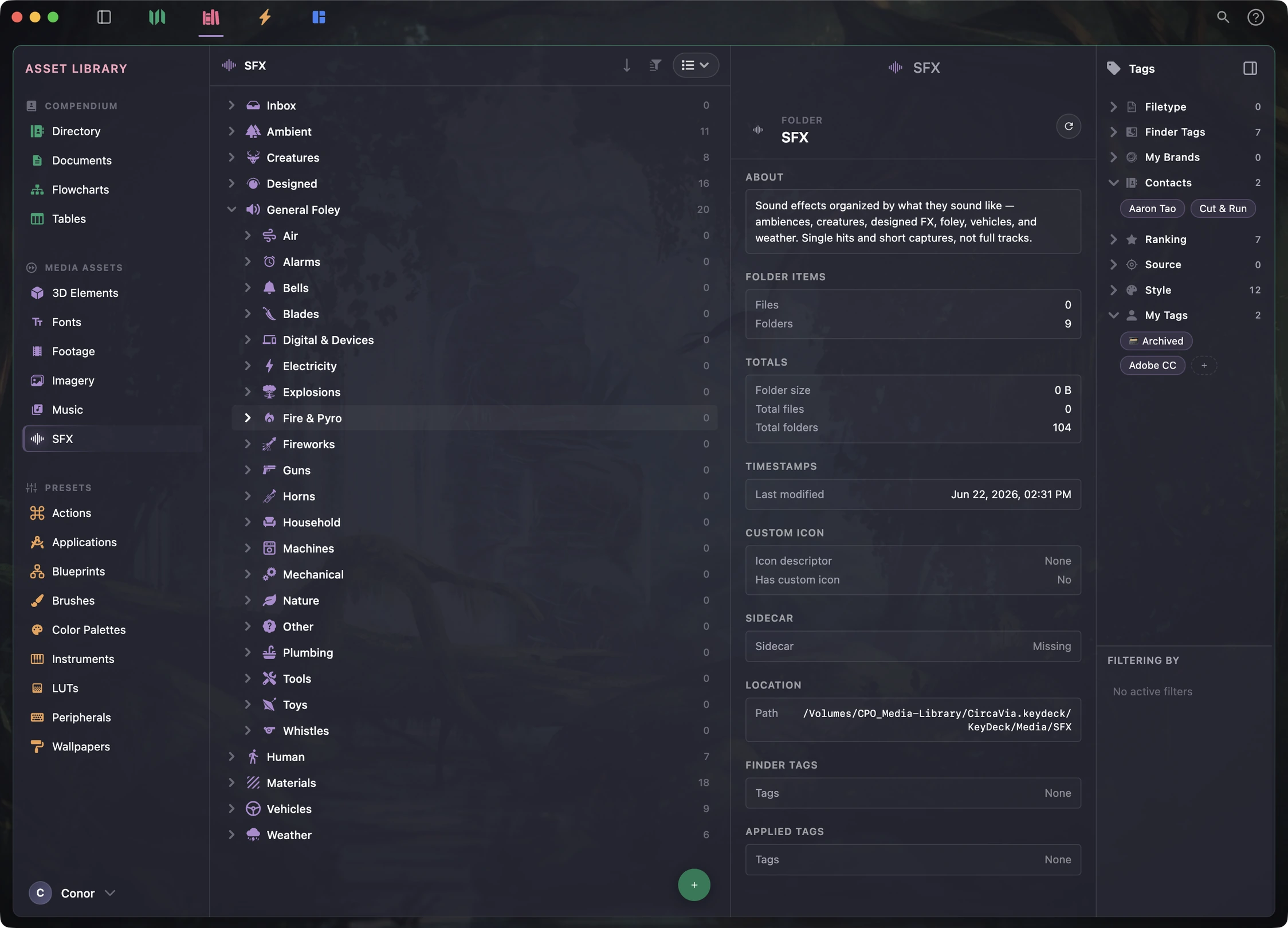
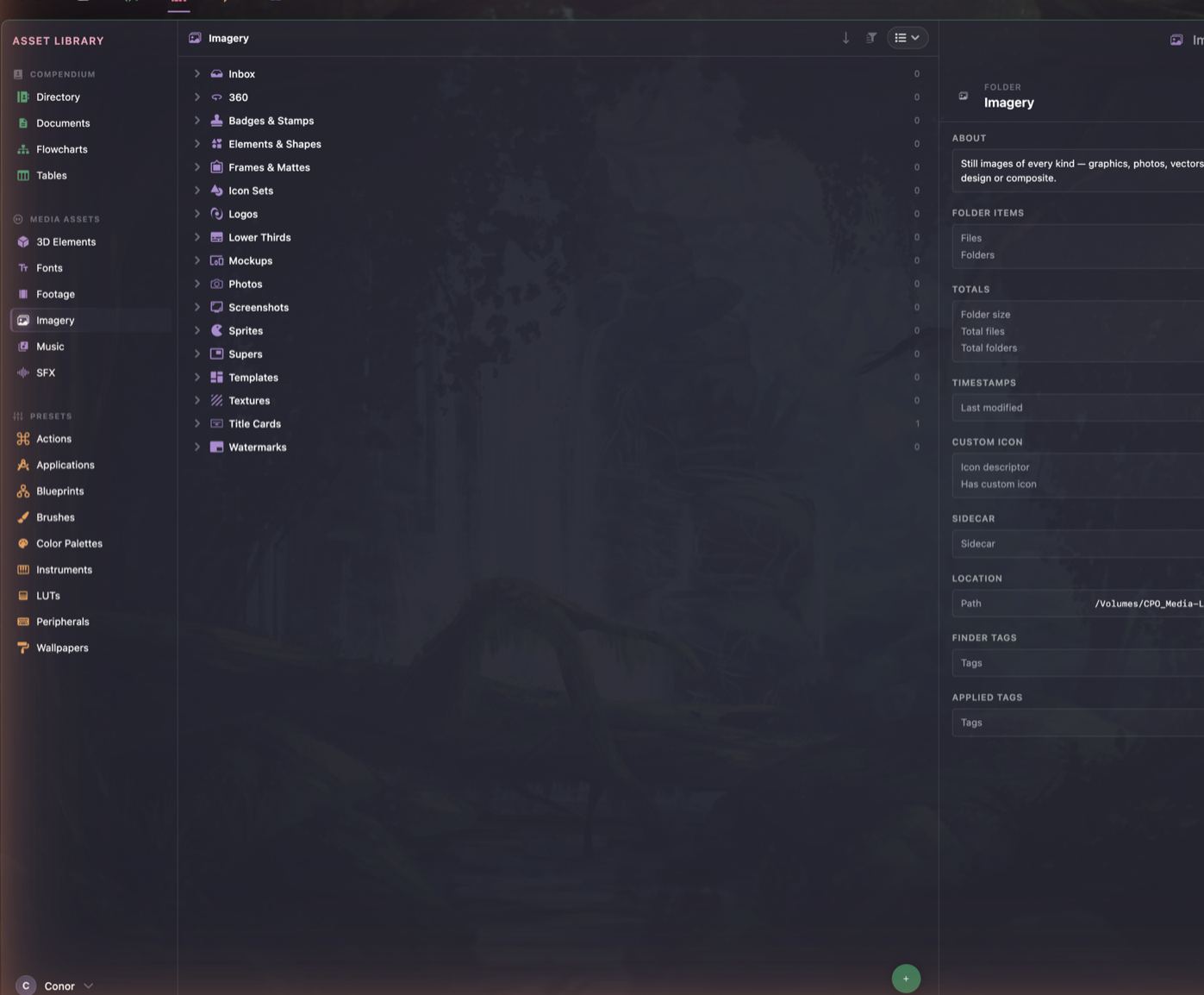
Not by file type. Footage, fonts, LUTs, colour palettes, contacts, paperwork — each lands somewhere obvious, because the shelves are already built.
For people who make things
A turnkey solution where your digital arsenal can live in an organized
and automated hub for your creative endeavors.
No account. No subscription. Cloud-ready but not required.
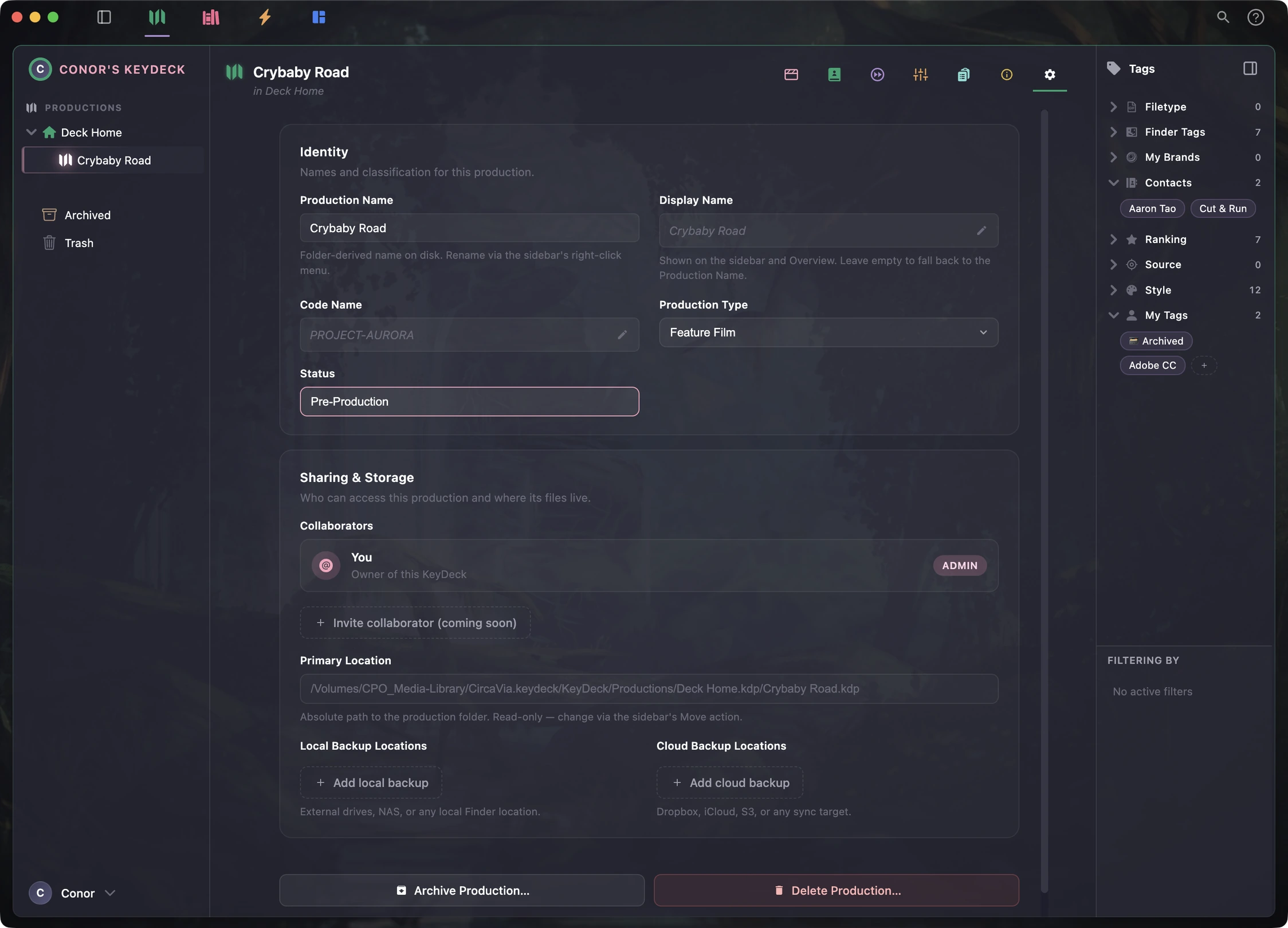
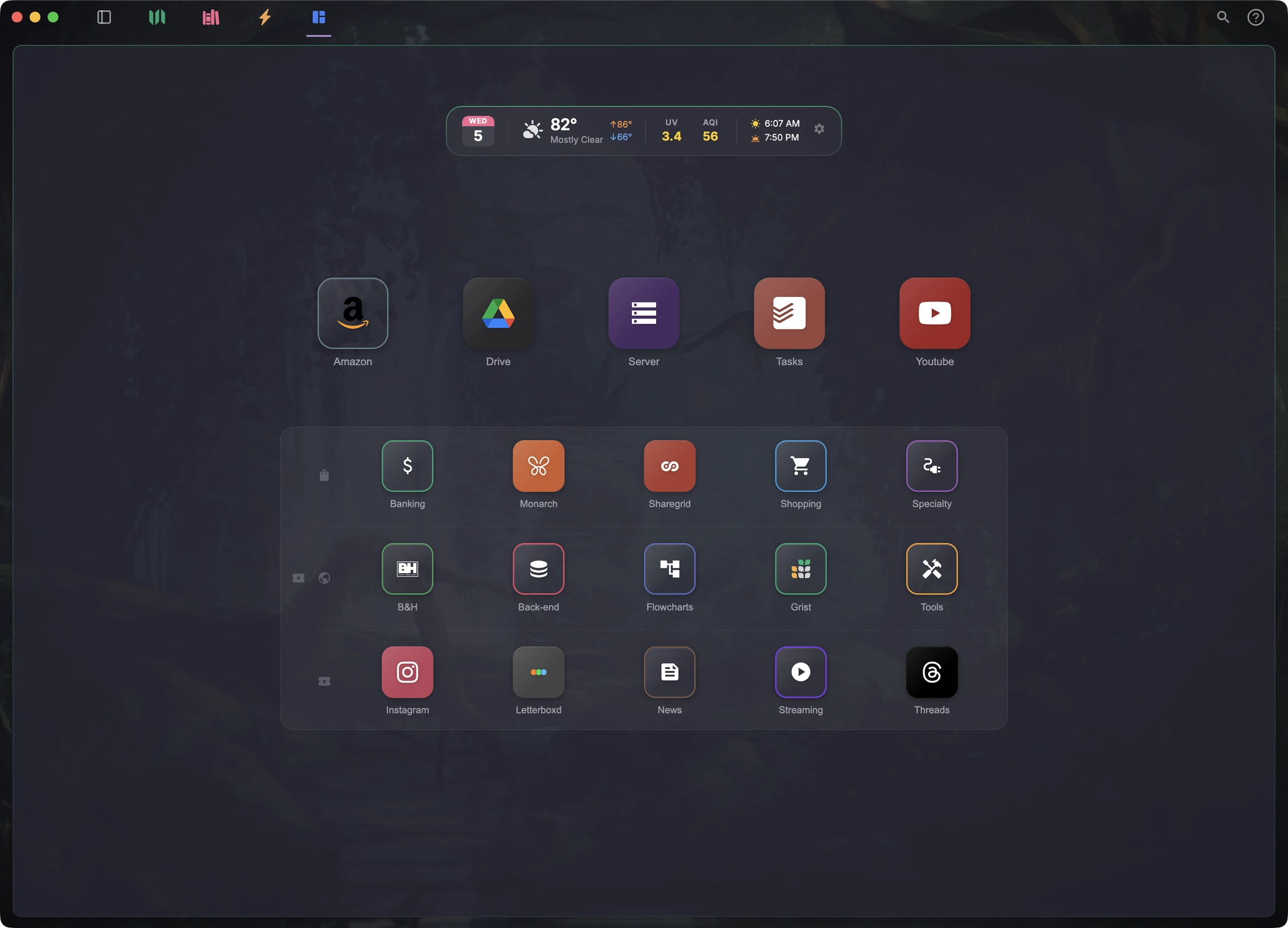
Every job gets its own home on disk, with its assets, settings, and backups alongside.
The idea
A library is a place where every book can be found, used, and tracked. KeyDeck does that for the things you make, the assets you reuse, and the utilities you use daily. Everything is catalogued, shelved, and found in seconds, rather than remembered.
The library structure has been designed so that the file system on your drive or server is clean and consistent. We designed our software to employ industry standard file organizing conventions from a variety of disciplines, so your workflows can be optimally streamlined.
01 — Library
Not by file type. Footage, fonts, LUTs, colour palettes, contacts, paperwork — each lands somewhere obvious, because the shelves are already built.
02 — Browsing
It browses like a file manager, because that is what you already know. But each category understands what it holds — fonts get specimens, audio gets waveforms, models get a viewer you can orbit.
03 — Tables
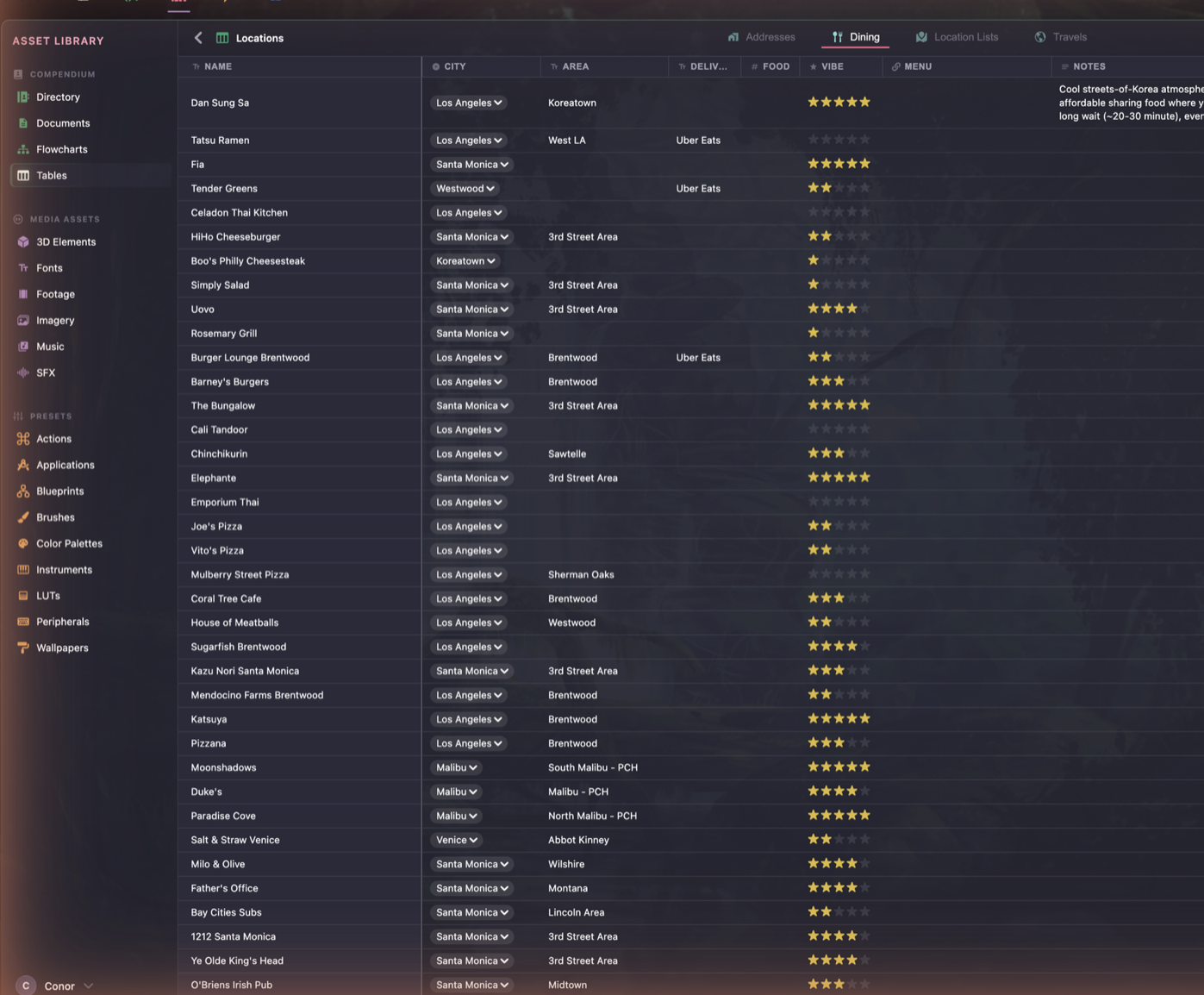
Which lens you own and where it is. What you invoiced in March. The restaurant someone recommended. Tables handle the structured half, without a spreadsheet.
04 — Directory
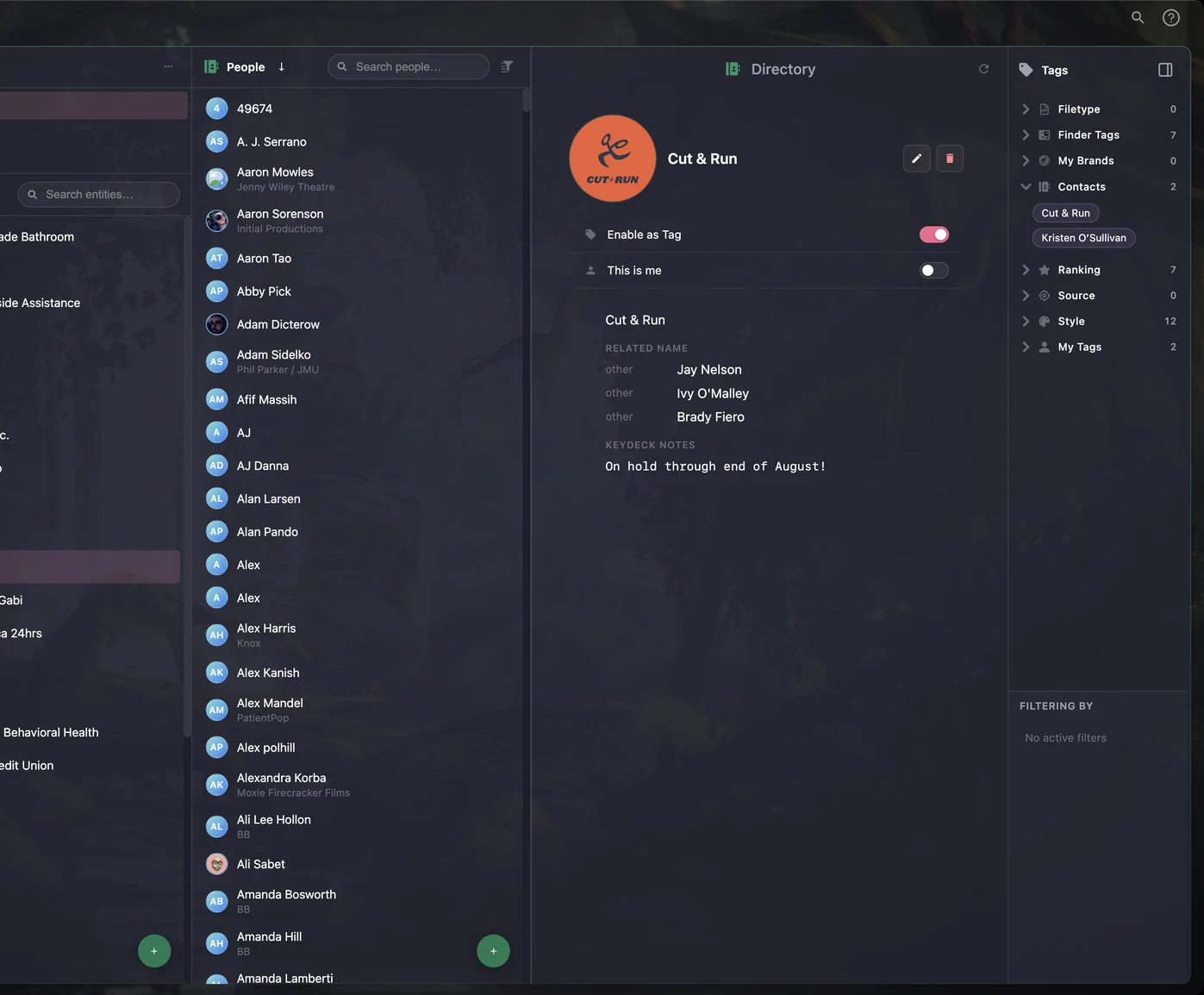
Whatever your Mac already syncs — Apple, Google, work accounts — arrives as people, and the studios and clients they belong to. Each one then becomes a tag: footage remembers who shot it, a logo remembers whose brand it is. Filter by a name and everything they touched comes back.
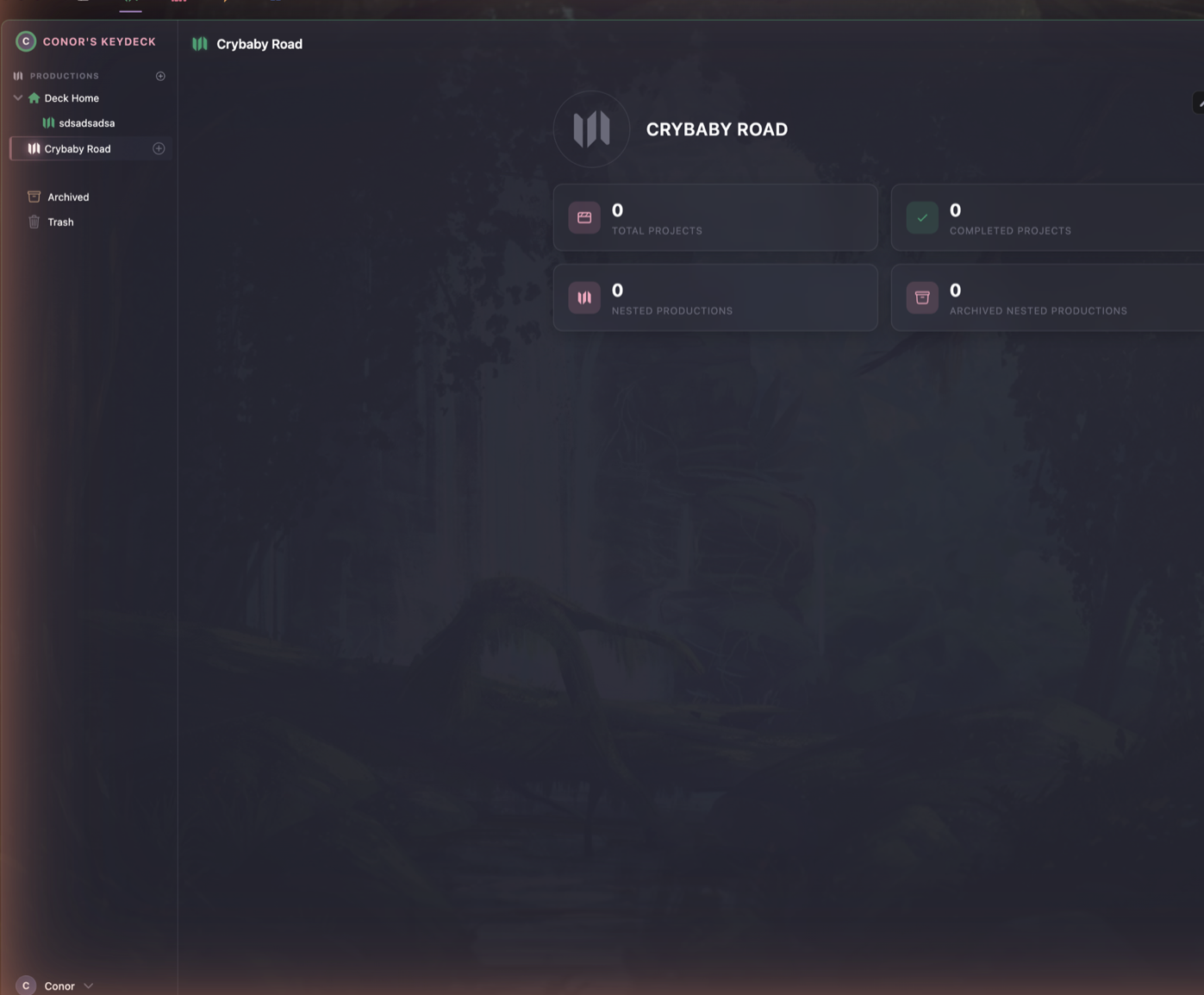
05 — Productions
Group a body of work, keep its projects and its private assets together, and find it all again in six months — in the app or in Finder, because they are the same folders.
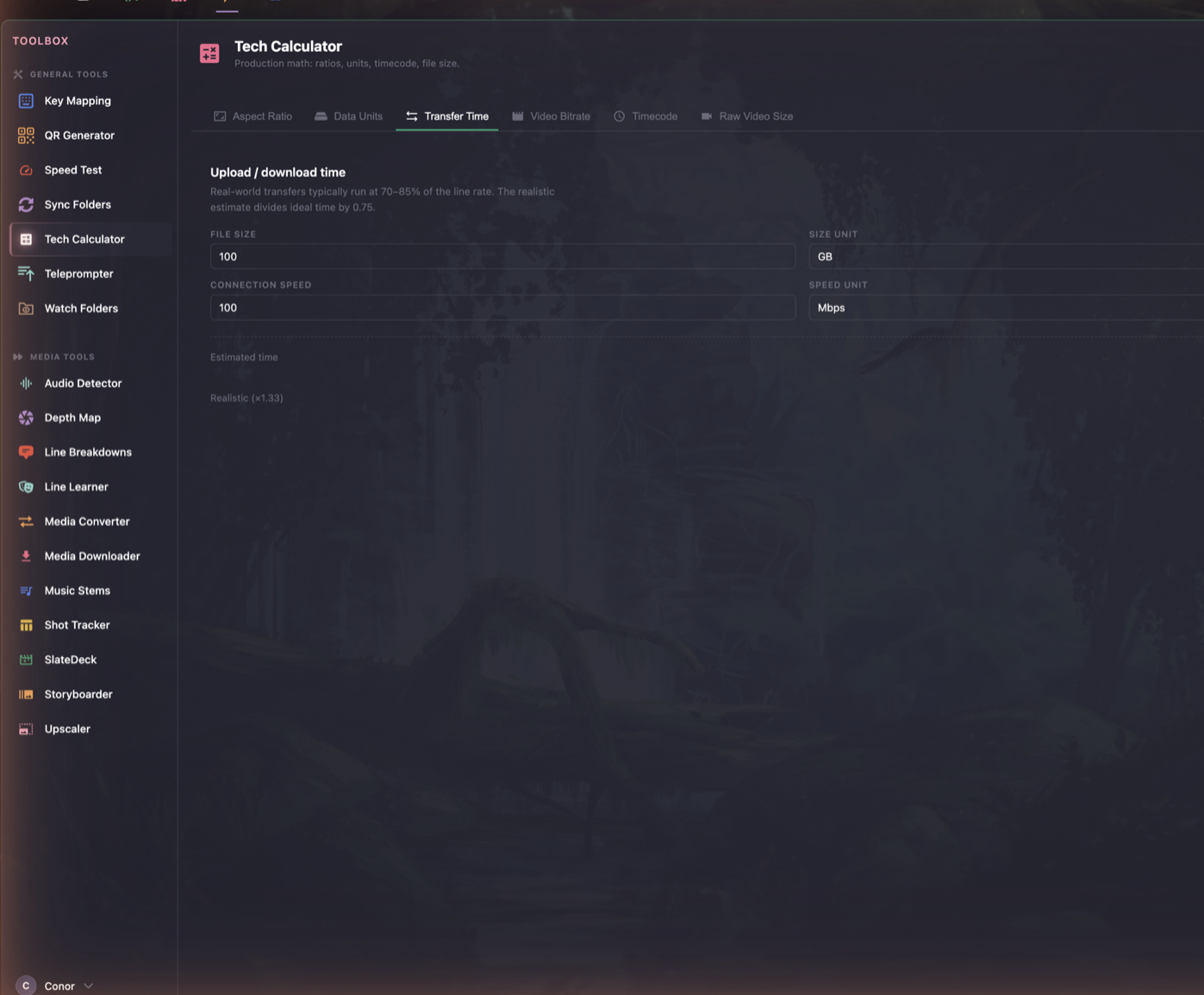
06 — Tools
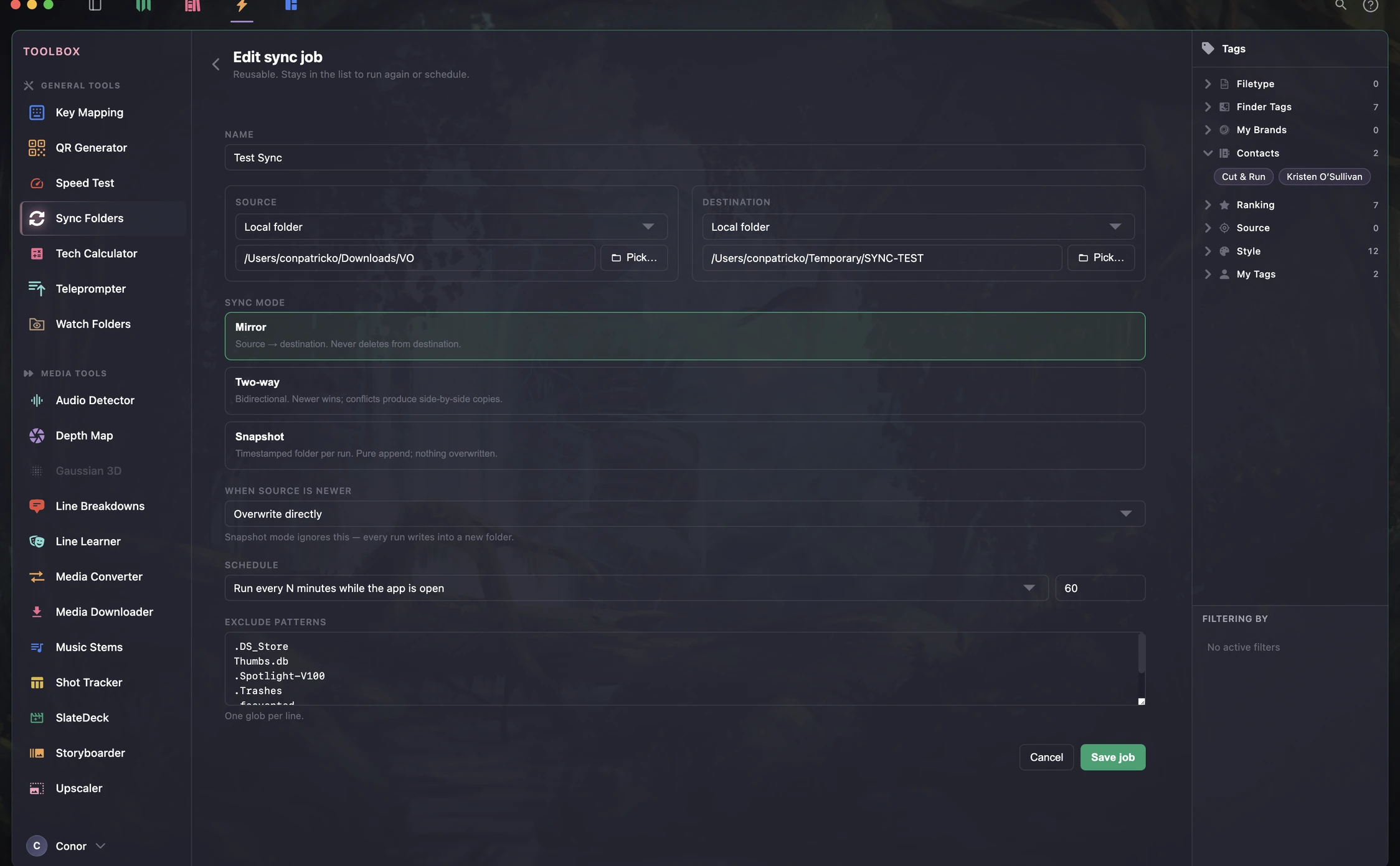
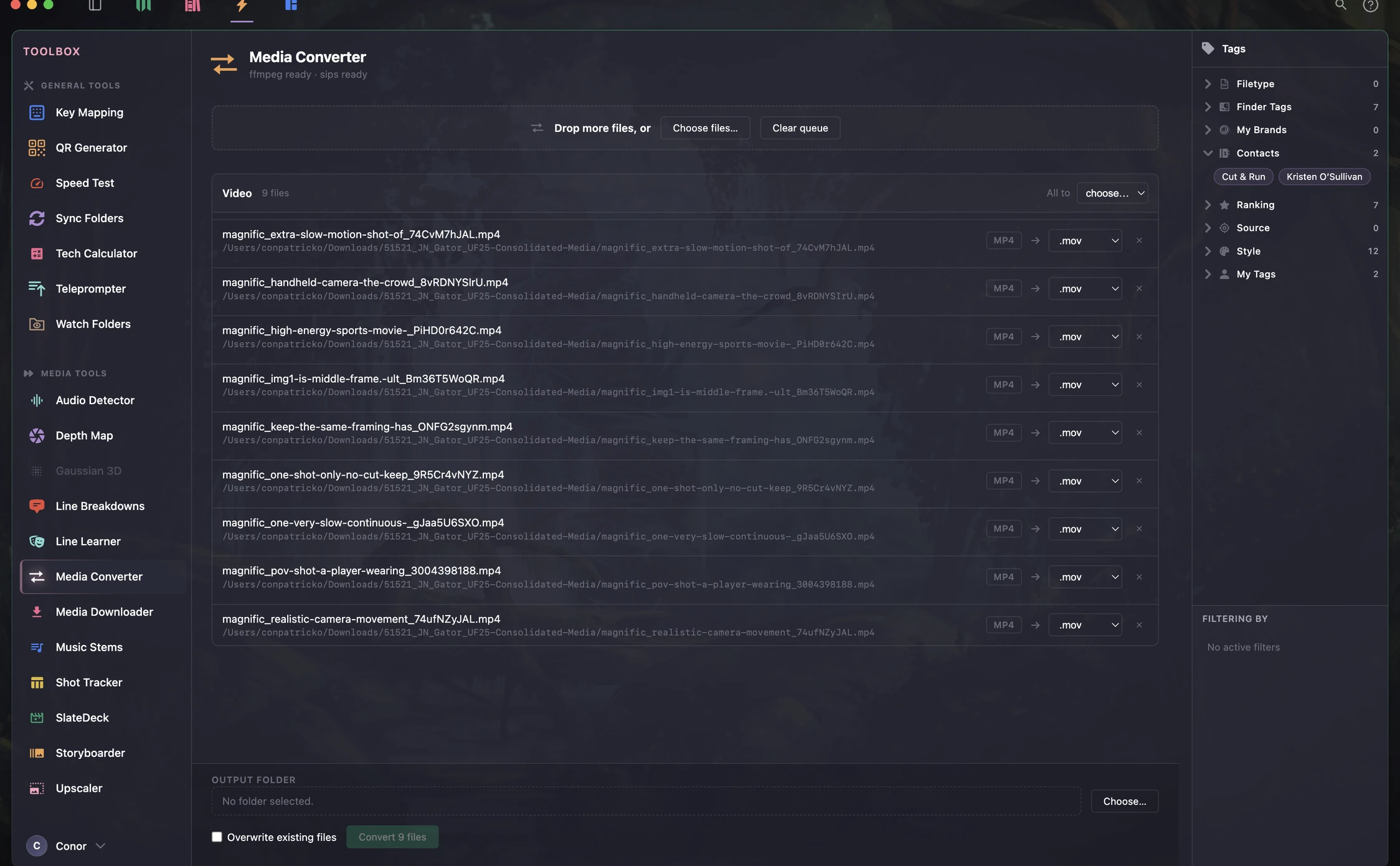
Convert, download, upscale, storyboard, rehearse, sync. No hunting for the app that does the one thing you need at 2am.
Ownership
On first launch KeyDeck asks where to put your work, and then puts it exactly there. One folder. Ordinary files. Nothing hidden behind a database that you don't have full control of.
We're here to help you with your divorce from your subscriptions, and enable a powerful Interface between you and your digital toolset.
What you see in the app is what is on disk.
iCloud, Dropbox, a NAS, or git. Your choice, not ours.
If it backs up a folder, it backs up KeyDeck.
Your files keep working without the app.
Truly yours. Unlike cloud-forward services, even if KeyDeck software ceased to exist, all your organized systems, assets, projects, and metadata would remain organized, and available for seamless migration.
The Toolbox
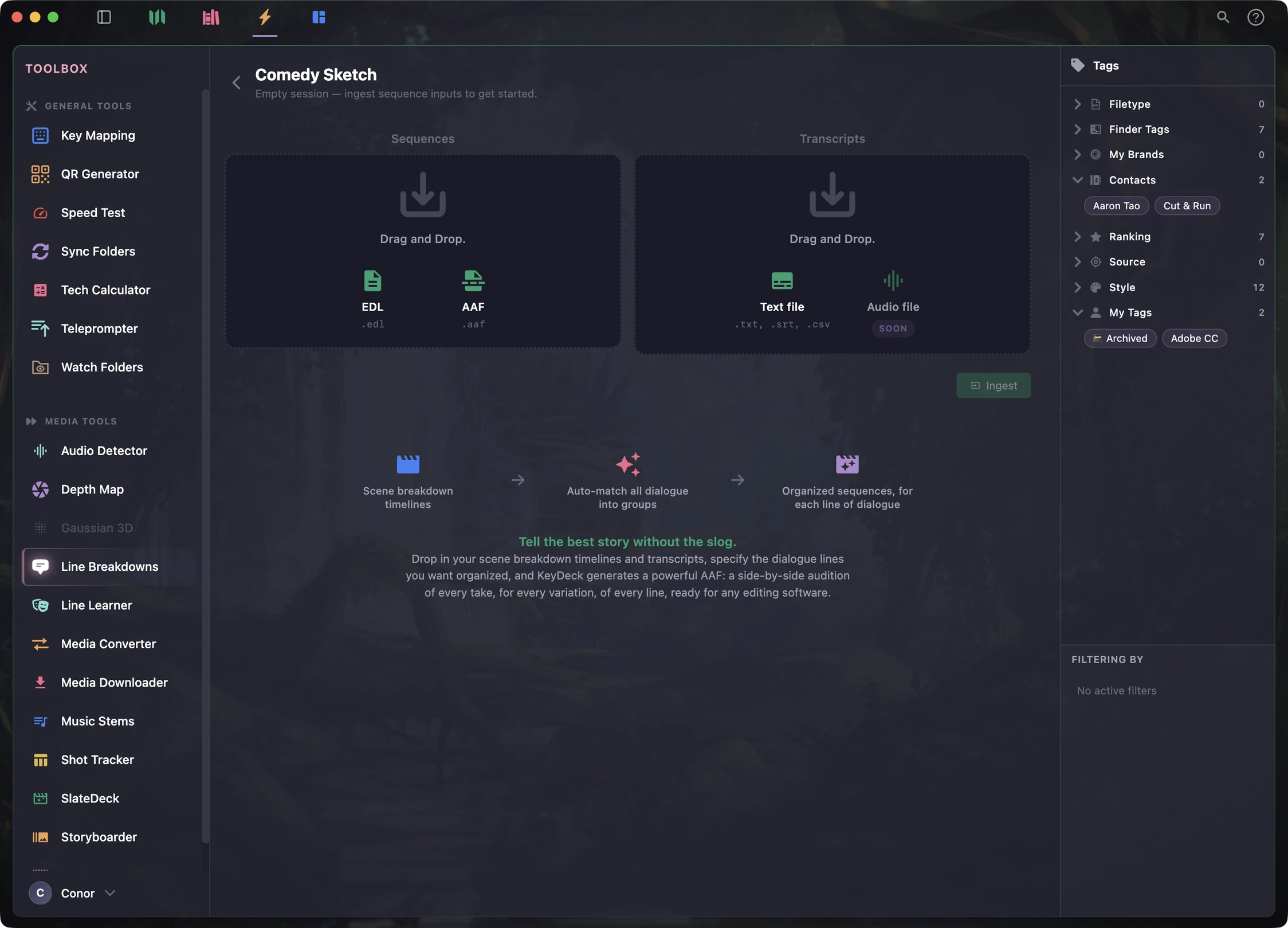
A toolbox of utilities for your digital crafts. New, free widgets from open-source projects will become available to add to your KeyDeck.
Everything runs on your machine. Nothing is uploaded to be processed.
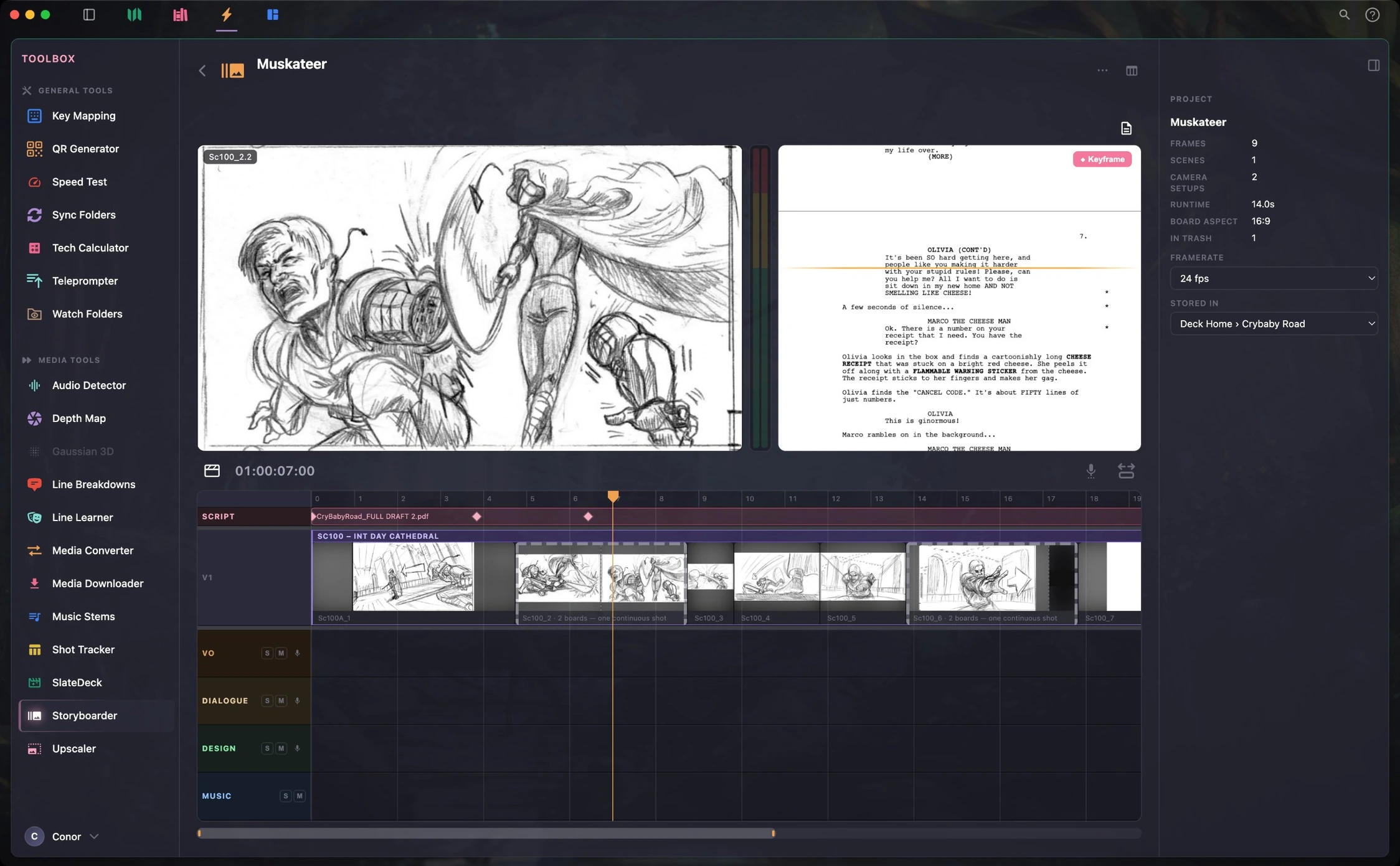
Storyboarder — one of twenty included utilities. Sketch, sequence, and quickly assemble a scene against the script.
Built for this brave new world
KeyDeck is fully customizable, and runs on a system under the hood that empowers your AI-tool-of-choice to handle the tedium of digital creative workflows, so that when you sit down to make magic, you can focus on human work.
There will always be a buy-it-for-life version of KeyDeck, with no advertising — and your data will always be plain files on your drive, backed up as you please.
Our commitment, in full.KeyDeck is in active development and testing, and will be available soon for private beta testing. Check out the documentation for more details and features.